News
Running Ledgerbound on Android Handhelds: Settings, Setup, and Small Screens
Discover how the community is playing Ledgerbound on Android handhelds using Windows emulation, optimized settings, and tips for reading small UI text.
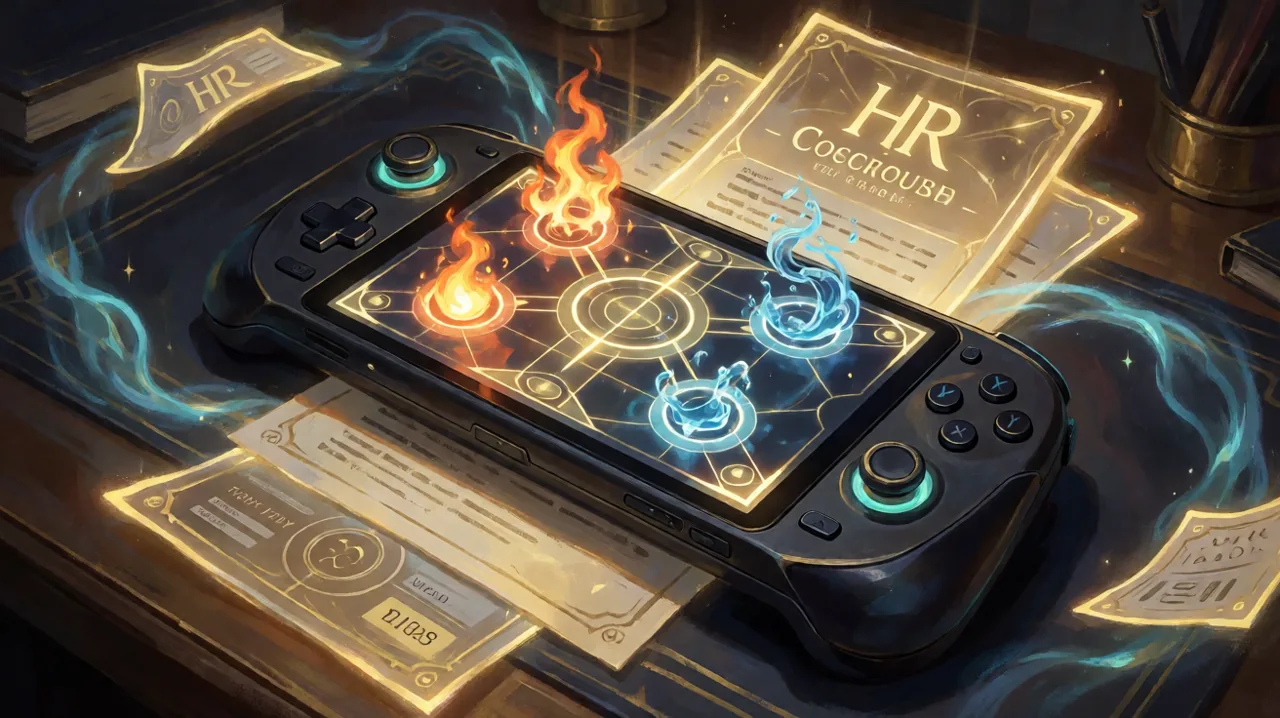
The Portable Paperwork Dream
When OmniMegaSuperCorp launched Ledgerbound on PC this past July, the tactical RPG immediately established itself as a massive time investment. Between managing your Heroes United Life Group (HULG) insurance claims, optimizing your Fire/Water/Plant elemental grid placements during intense combat encounters, and navigating complex inter-office romances, players quickly realized they needed a way to take the game away from their traditional desk setups.
While we have already covered the official Steam Deck compatibility, a growing segment of the handheld gaming community strongly prefers the lighter, more compact form factor of high-end Android emulation devices. Devices like the Ayaneo Pocket Ace or the Ayn Thor offer excellent ergonomics and battery life, making them incredibly appealing for long gaming sessions.
Running a modern Windows PC game on an Android device running an ARM processor sounds like a piece of arcane Eldarran magic. However, the handheld emulation community thrives on pushing mobile hardware to its absolute limits. Recently, highly dedicated players have successfully managed to boot and play Ledgerbound on these specific premium Android handhelds by utilizing complex Windows translation layers. The setup requires patience and a willingness to tinker with backend graphic drivers, but the reward is being able to take your corporate fantasy simulator absolutely anywhere.
Because OmniMegaSuperCorp developed the game specifically for x86 architecture systems running Windows (and officially supported Linux layers via Proton on the Deck), any attempt to run it on an Android operating system is entirely community-supported. You will not find official bug support or patches for this specific method, and performance can vary wildly based on your specific device’s RAM and chipset cooling capabilities. However, for those equipped with a 12GB Ayaneo Pocket Ace or similar high-end Snapdragon-powered hardware, the results are reportedly quite playable and stable enough for extended sessions.
A Perfect Genre Split for Couch Gaming
If you look closely at the fundamental structure of Ledgerbound, it almost feels purposefully designed for a portable screen. According to recent community reports evaluating the game on these alternative handhelds, players estimate the actual moment-to-moment gameplay loop sits at roughly 70% visual novel, 15% turn-based strategy combat, and 15% corporate resource management. They specifically highlight the extensive dating mechanics, comparing the varied character interactions to a fascinating blend of Baldur’s Gate 3 levels of “thirsty” romantic tension and dedicated dating titles like Date Everything.
This highly specific gameplay ratio perfectly explains why the handheld experience is so highly sought after by the player base. When you are spending the vast majority of your overall playtime reading through intricate branching dialogue trees, resolving internal departmental conflicts among your companions, and processing endless HR vouchers, sitting upright at a desktop monitor can quickly become exhausting. The game heavily leans into its narrative strengths, exploring the rich lore of the Queendom and the absurdly bureaucratic society of Eldarra at a methodical pace.
Navigating the tactical RPG and dating sim explained mechanics on a lightweight portable device means you can work through a lengthy, emotionally charged conversation with Prince Avarice or manage Cazian’s unique character arc while relaxing on the couch. The 15% of the game strictly dedicated to combat—utilizing the Sigil grid and exploiting elemental weaknesses against the Vacari—is entirely turn-based. This structural choice means there are absolutely no real-time action demands that would normally punish the slight input latency occasionally introduced by running Windows translation layers on Android. You can take as much time as you need planning out your tactical moves, making it a surprisingly stress-free experience for experimental mobile setups.
Community-Tested Translation Layer Settings
To actually get the game rendering properly on an ARM-based Android device, players are utilizing robust compatibility layers like “gamenative” (or similar community-developed environments like Winlator or Cassia). These powerful applications create an isolated container that actively translates Windows x86 instructions into something the Android ARM processor can actually understand, while simultaneously translating DirectX graphics calls into the Vulkan API.
Based on active community testing across various subreddits, getting a stable and consistent framerate on devices like the Ayaneo Pocket Ace requires dialing in very specific environmental variables. If you attempt to boot the game with default settings, it will likely crash during the opening logos. Here is the detailed configuration breakdown that successful players are currently recommending to the community:
- Compatibility Layer Configuration (Proton 10.0 arm64ec 2): This custom, experimental build of Proton is tailored specifically for the ARM64 architecture. It handles the immense heavy lifting of translating the game’s core Windows dependencies without immediately faulting out.
- Graphics Driver Selection (Turnip v26.2.R4): If you are using a Snapdragon-based device (which powers the vast majority of high-end Android handhelds on the market), you absolutely must use the Turnip Vulkan drivers. The default proprietary Adreno drivers provided by manufacturers often struggle massively with the complex shader compilations required by modern PC titles. Turnip provides significantly better game compatibility and raw performance for these types of translation layers.
- DirectX Translation (DXVK 2.4.1 with gplasync): Ledgerbound relies heavily on vibrant visual flair during its combat sequences, especially when massive particle effects trigger from combining Fire and Plant elemental spells on the grid. DXVK translates these heavy DirectX calls directly to Vulkan. Enabling the
gplasync(Graphics Pipeline Library async) feature in the settings menu is absolutely crucial here. It forces the intense shader compilation to happen asynchronously in the background, which heavily reduces the stuttering that usually occurs when entering a brand-new combat grid or loading into a visually busy Ministry office floor. - CPU Translation Presets (Box64 and FEXcore): Because Ledgerbound is entirely native to x86, every single CPU instruction must be translated on the fly. Using both Box64 set to the “Compatibility” preset alongside FEXcore set to the “Intermediate” preset balances performance with required stability. The “Compatibility” preset ensures that the game’s complex backend tracking logic—such as monitoring your various optional HR objectives and remembering highly specific branching narrative flags—doesn’t crash the entire Android container. Meanwhile, the “Intermediate” FEXcore setting keeps the heavy translation overhead low enough to maintain a playable framerate during tactical encounters.
Keep in mind that these technical settings are highly specific to premium Android devices. If you are attempting this on much older mobile hardware, you might not meet the baseline PC system requirements once the heavy translation overhead is factored into the performance equation.
The Screen Size Dilemma and UI Scaling Limitations
While the sheer technical achievement of running a modern 2026 PC RPG on an Ayn Thor or Pocket Ace is genuinely impressive, it does introduce a significant physical hurdle that players must adapt to: raw screen size. Ledgerbound was primarily designed, developed, and tested with standard desktop monitors and large televisions in mind. The user interface is intentionally packed with detailed corporate documents, complex inventory screens for managing your accumulated vouchers, and intricate, stylized dialogue boxes that mimic office stationery.
Players successfully running the game on 5-inch to 6-inch Android screens report that the text can be incredibly small, frequently leading to heavy eye strain during prolonged paperwork sessions. Currently, the gamenative translation layer does not feature a reliable built-in magnifying tool that functions smoothly over an active 3D game window. Furthermore, as noted in our comprehensive accessibility and readability breakdown, OmniMegaSuperCorp has not yet implemented a native UI scaling slider or a dedicated large-text accessibility option in the current patch build.
This frustrating readability issue is often compounded if you use a matte screen protector on your handheld device. While great for reducing glare, matte protectors add a physical layer of light diffusion that can make fine, highly pixelated text look slightly blurrier than it actually is on the raw panel. If you are planning to play exclusively on an Android handheld, you will need to accept that reading the finer details of an Eldarran insurance adjustment form will require holding the device fairly close to your face.
How Stellar Voice Acting Saves the Run
Given the severe UI scaling limitations and tiny text on small screens, you might assume that a heavily narrative-driven game is fundamentally unplayable on a compact Android device. Fortunately, the game possesses one massive, highly praised saving grace that makes the portable experience not just viable, but highly enjoyable: it is completely and flawlessly voice-acted.
Every single major story beat, optional camp conversation, and deeply emotional romantic encounter is brought to life by an incredibly talented voice cast. You do not actually need to squint at the small dialogue text when interacting with Rayna, Jazz, or the rest of your volatile HULG team, because the audio delivery carries the entire narrative load perfectly. The stellar performances allow you to treat the game more like an interactive, high-budget audiobook during the heavy visual novel segments that make up the bulk of the runtime.
For players utilizing these specific Android emulation setups, we highly recommend checking out our audio and voice over context guide to ensure you have your internal sound mixing fully optimized. Taking a moment to turn down the environmental background office music slightly while actively boosting the voice-over track will ensure you never miss a crucial character beat or a subtle sarcastic remark, entirely bypassing the need to read the tiny on-screen text. Until official UI scaling arrives in a future patch, the phenomenal voice acting remains the true MVP for the handheld emulation community.